One of the great things about a trailer is that it’s fairly quick & easy to pick-up and move camp. This is particularly true with a small and simple teardrop trailer, so why not try out a little-known feature of the OntarioParks and ParksCanada booking platforms which allows splitting your visit amongst multiple camp sites?!
I first used this booking option on a visit to Grundy Lake Provincial Park (PP) a couple years ago. It was my first time at the park, which is quite spread-out over several campground areas on different lakes, so I figured it would be a great way to “sample” the park.
Similarly, on my first visit to Sleeping Giant PP, I thought why not try out the campground area on each side of Marie Louise Lake. The one on the west side is small with super-private waterfront sites, while the main campground on the east side of the lake is high site density but some (like mine #151) have stunning views of the Sleeping Giant.
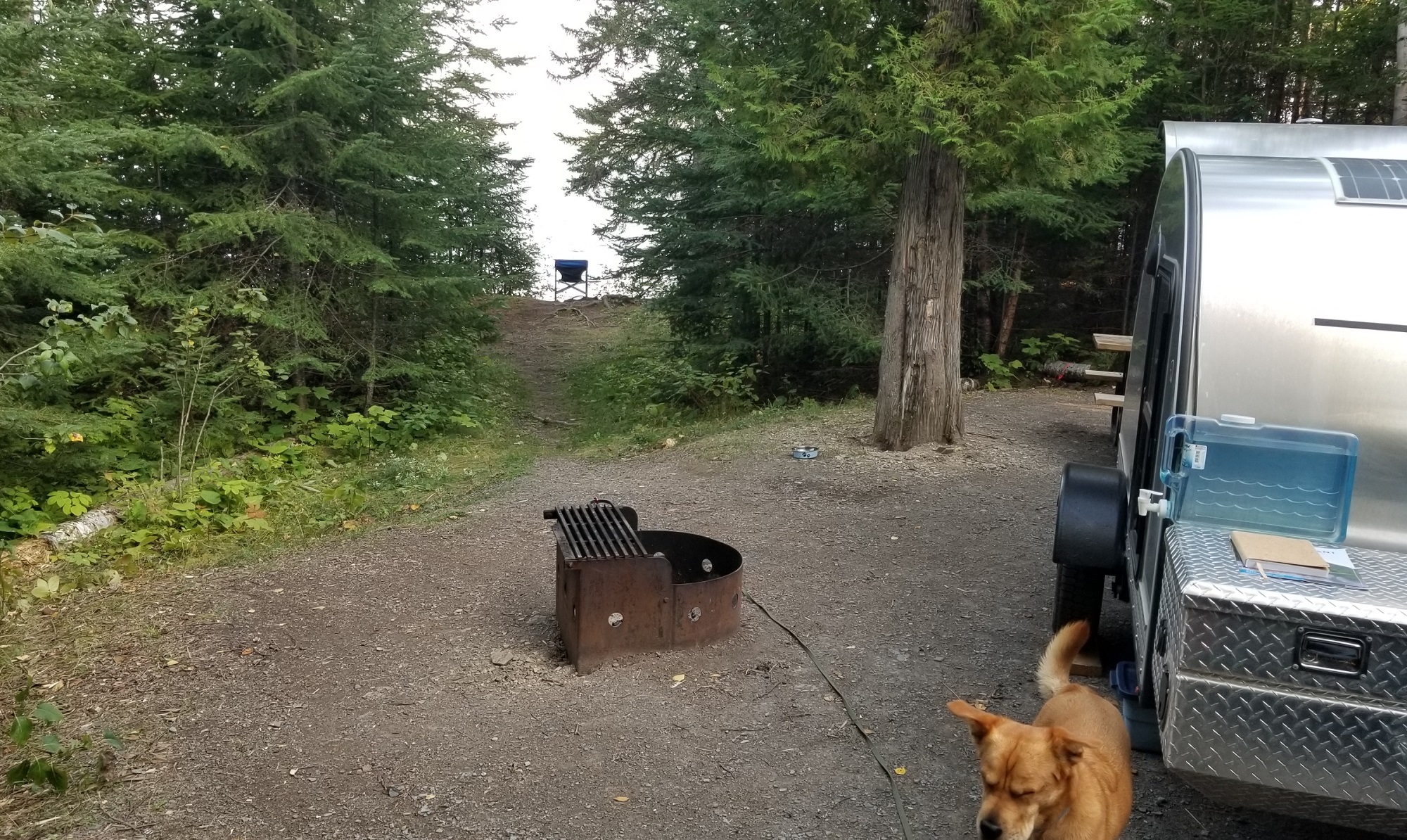
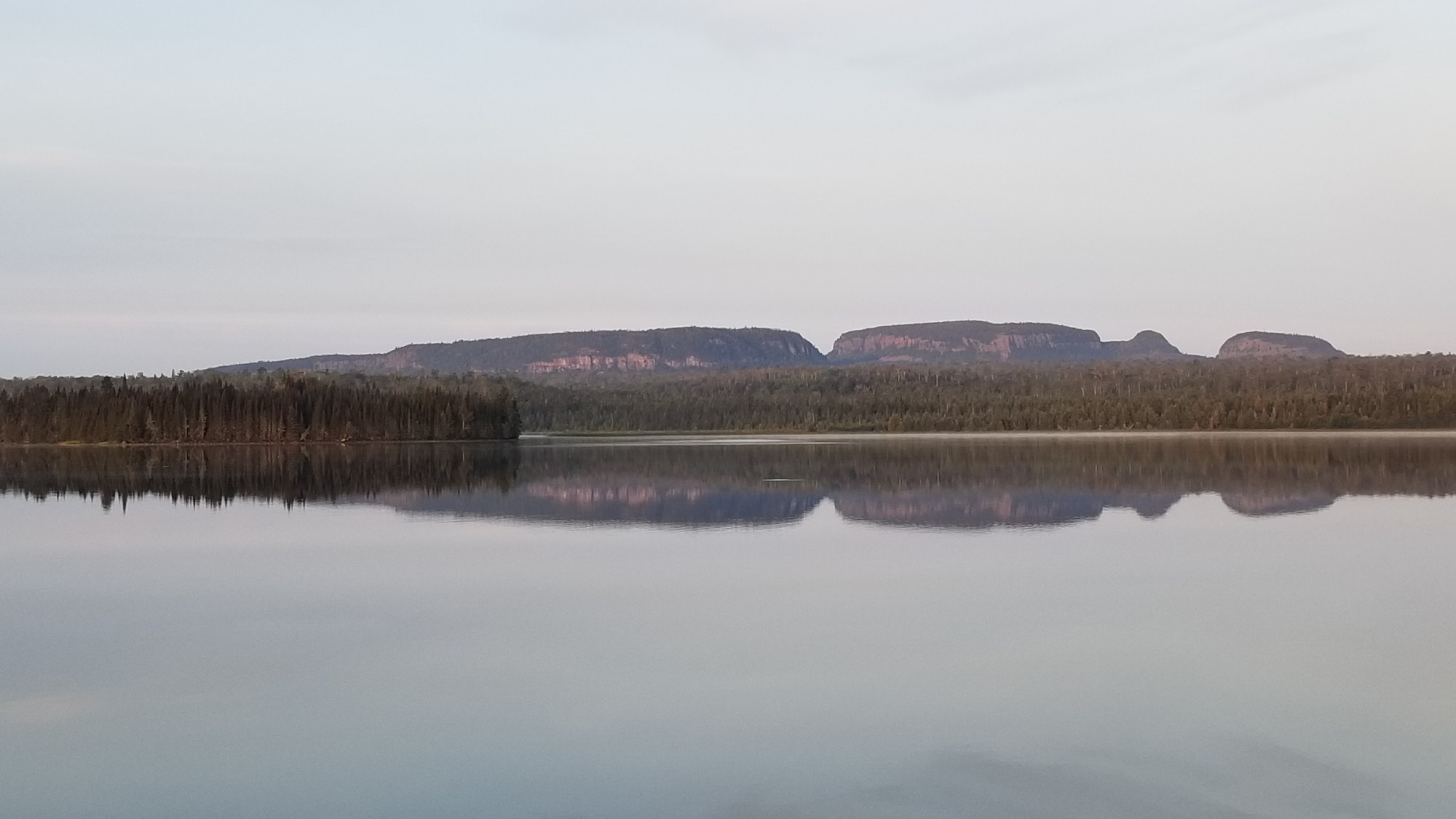
I used the split feature again that season on a visit to Killbear PP. In that case, there was a primo waterfront site I had marked down on a previous visit available for all but one night of my visit dates. So I just booked one okay site for my first night and had the fab waterfront site for the remainder.
Because it’s all part of a single booking, you pay only one reservation fee! The only catch is that the sites must be at the same park, though they can be in different campground areas within that park. (The exception being Algonquin, since they subdivide bookings into various park locales.)
How to Book Multiple Campsites on a Single Reservation
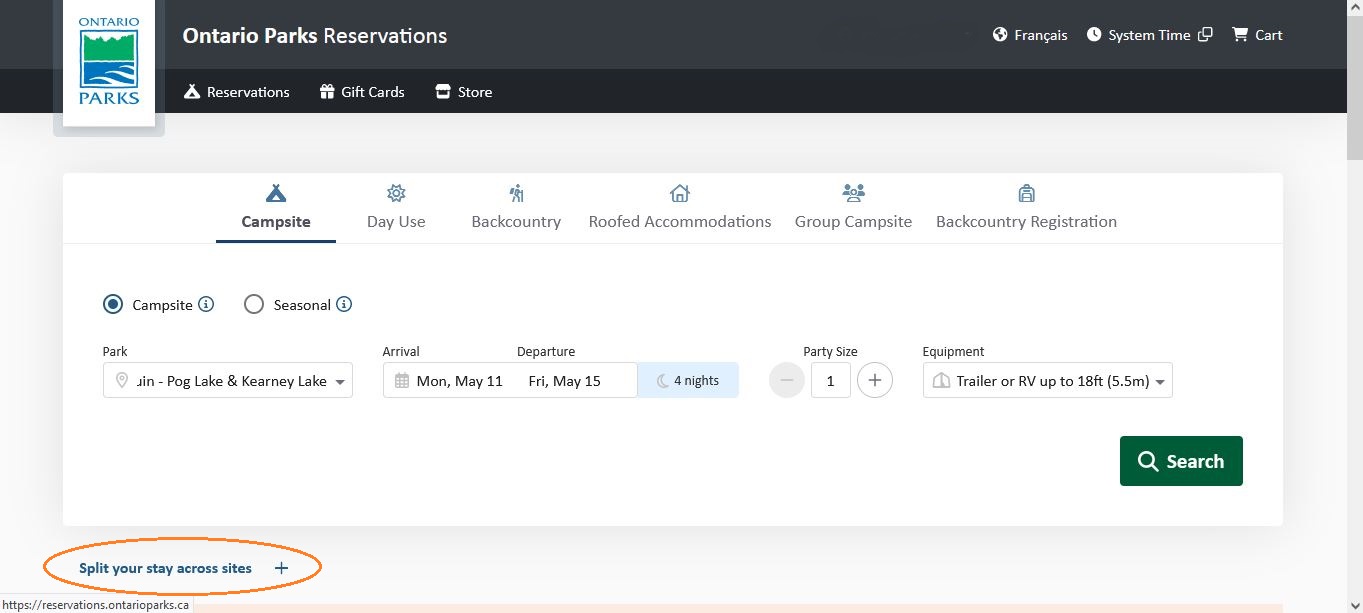
First, enter the dates for your entire stay, along with other requested details and Search availability at your preferred park. (OntarioParks and ParksCanada seem to use the same booking platform so it’s the same process for either.)
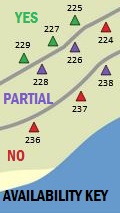
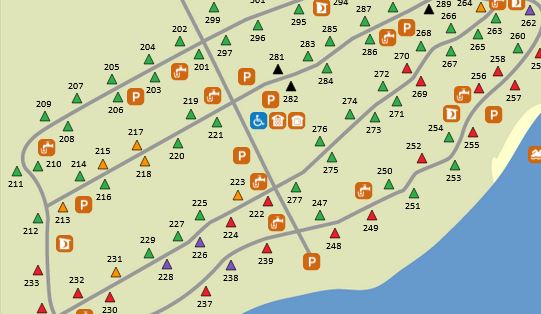
Next, navigate the map to browse availability at the park you searched. You know that green sites are available through your entire dates, but purple sites have partial availability for some of the nights within your dates. Click on any that look like they are well located to see photos, details (size, pad slope, privacy, quality, etc) as well as the availability calendar for that particular site. Make notes of what looks good and try to piece together two or more sites to cover your stay.
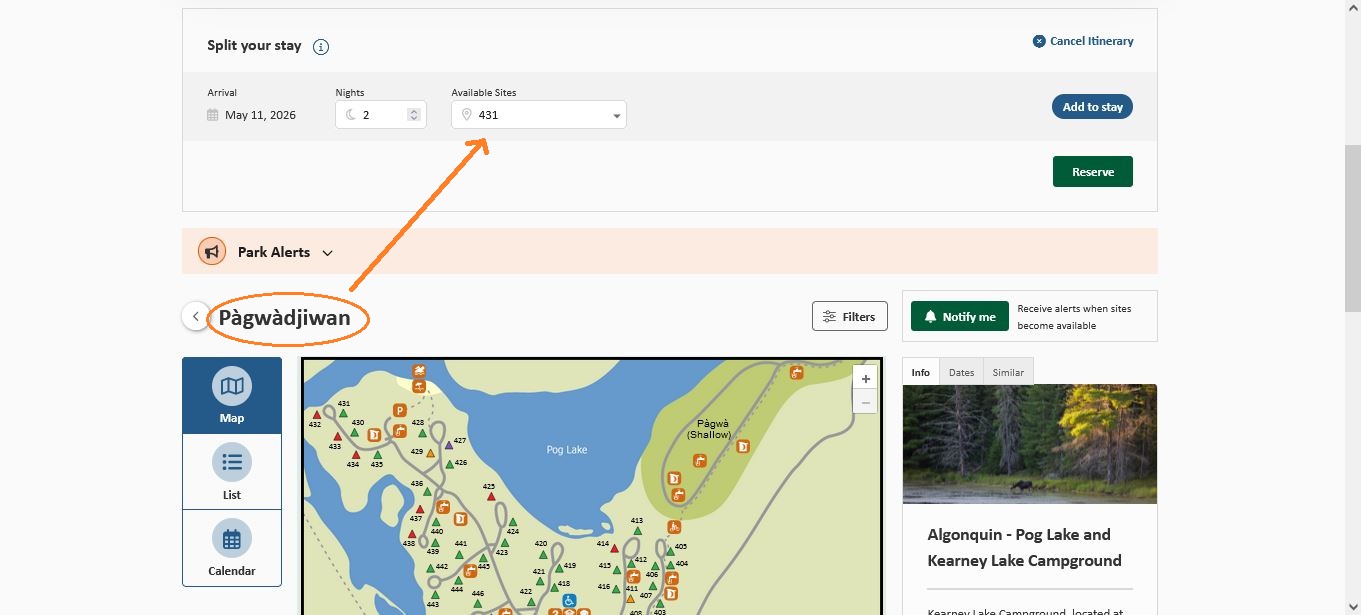
At this point you should see the Split Your Stay Across Sites option BUT (here’s where I got confused on my first try) UNTIL you select a specific campground area (in the example above, Pàdwàdjiwan campground) no site numbers will be populated in the “Available Sites” drop-down.
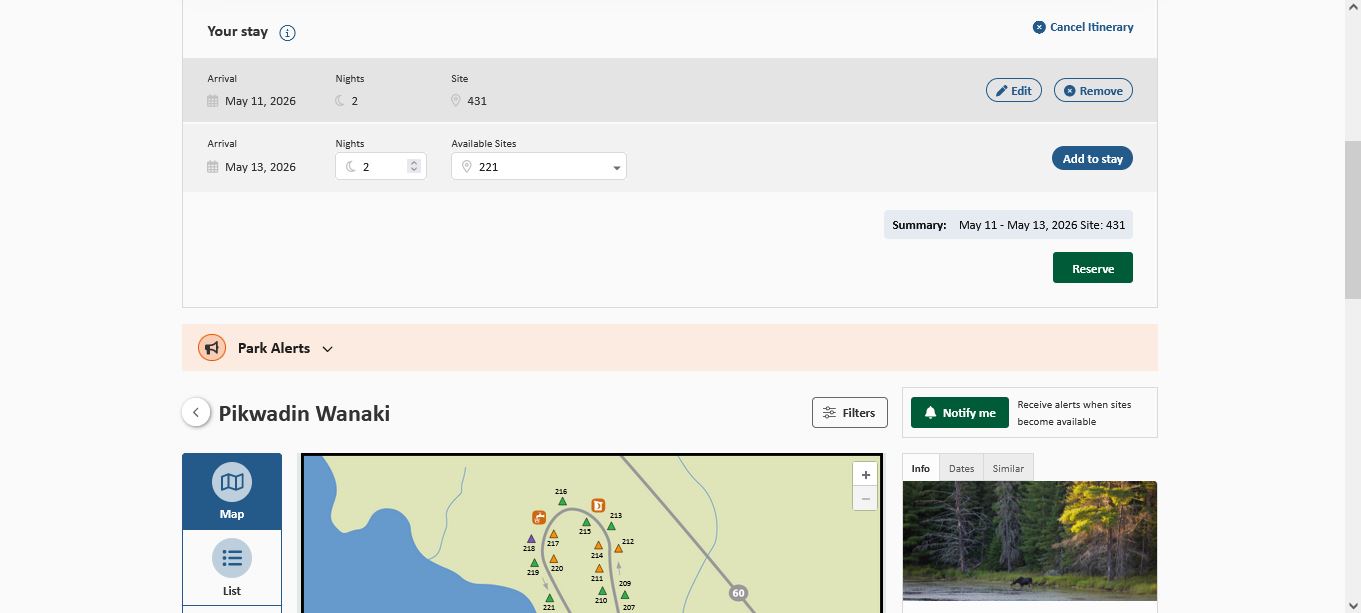
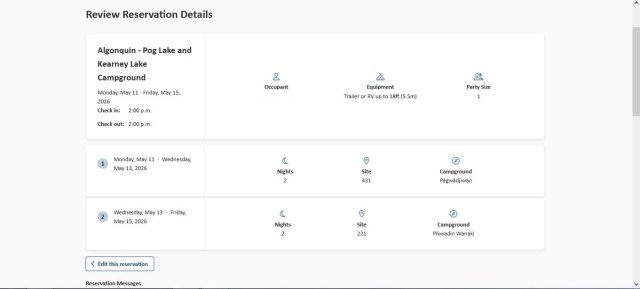
Select the first site you want to stay at, and for how many nights, then “Add to Stay”. After that, choose your second site, which may be in the same campground area or navigate to a different campground map (within the same park). Repeat as required until you have filled all nights of your stay and, voila, you will have multi-site booking with a single reservation fee.
Last spring I made a last-minute trip to Killarney Provincial Park in the first week of May… the weather forecast was looking great, and I had this notion that I’d be ahead of the notorious blackflies (and, yes, it was a bug-free visit to this gorgeous park).
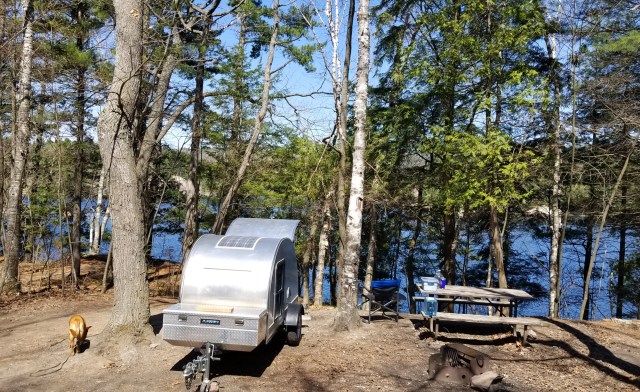
With last-minute trips or in peak summer season, you’re going to have less choice in sites, but there’s no need to be stuck with the dregs if you’re willing to spend a bit of time on your booking.
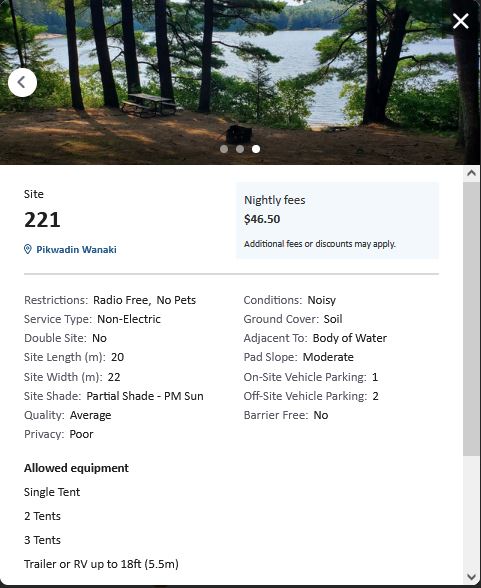
Useful details can be found when clicking on a site #, which can be helpful for finding good spots to stay. It’s worth a little time and research work, and you may be rewarded with some great finds. Accessing details like these by clicking on the campground map site # is how I was able to create a wonderful 4 night stay at Killarney across 3 superb camp sites all with water views and shore access to George Lake!
 Teardrop Trailer Travels